Learn the bandoneon. One button at a time.
The keyboard of a real bandoneon, with the recorded sound of a 1930 instrument. Free, no sign-up, in your browser.
Welcome back! Your bandoneon is waiting.
Tap the buttonsor use the computer keyboard
- Opening
- –
- Closing
- –
The notes you play appear here, on the treble clef (high) or the bass clef (low).

From the first button to your first tango.
The app shows the next note before you get it wrong.
Academy
Exercises in 6 levels, from the first button to both hands. The right button lights up, and the instructor shows the current note and the next one.
RepeTCHÊ
The bandoneon plays, you repeat. Each tune comes in short 8-note stages, and the little gaúcho cheers every hit.
Melodies with sheet music
Scales in every key and public-domain tunes. As you play, the current note shows in green, with its name, and the bellows direction is suggested.
Opens in your browser. No account, no email, no payment.
- On your phone and computer · even offline, once installed
- Your progress stays on this device · with a backup in Settings
- In Portuguese, Spanish and English
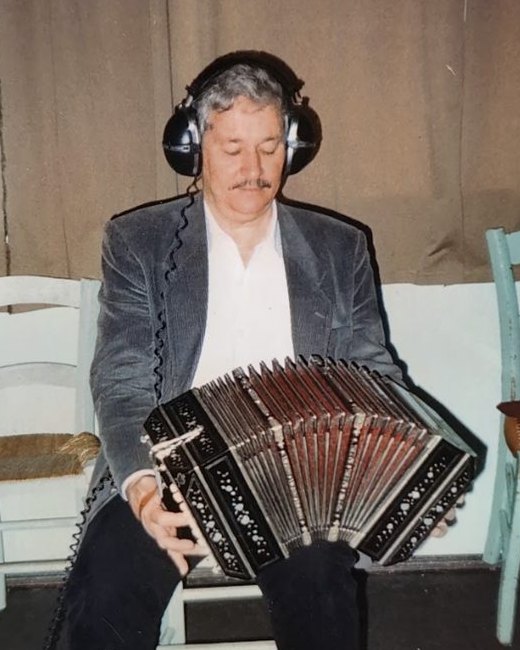
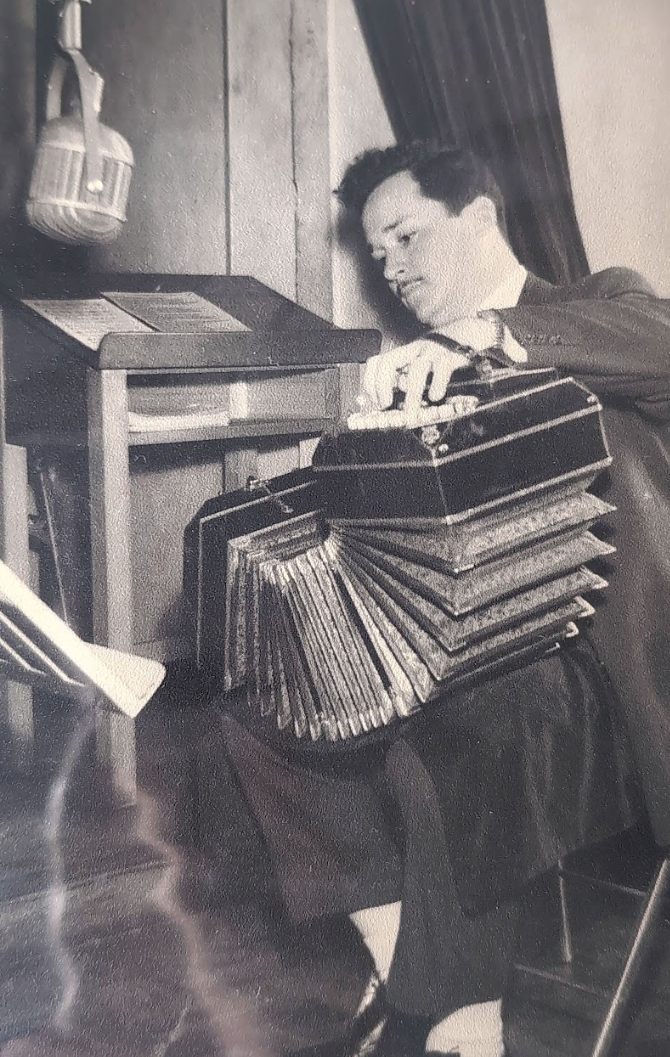
Doly Costa is 97. And he still plays.
A bandoneon player from Caçapava do Sul, he played in the tango orchestras of Porto Alegre's radio stations and founded Os Posteiros. BanDoly is named after him.
Read the story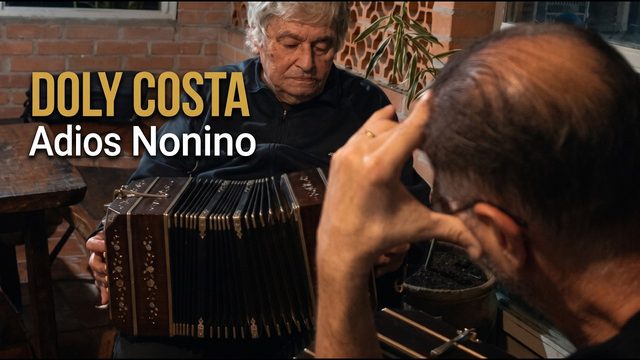
Questions
Do I need a bandoneon?
No. You can learn the button map, reading and rhythms with just the on-screen keyboard. If you have one, the app listens through the microphone and checks the notes.
Is BanDoly free?
Yes. BanDoly is free and needs no sign-up. Your progress is saved in your browser, and you can export a backup in Settings.
Which bandoneon does the app use?
The Rheinische 142, the tango standard: 38 buttons on the right hand and 33 on the left, transcribed from the diagrams by Omar Caccia and Matías Gobbo. If yours differs, adjust the buttons in Keyboard → Edit layout.
Does it work on my phone?
Yes, in the browser on your phone or computer. Installed on your home screen, it even works offline.
Does it replace a teacher?
No. The app helps between lessons, but only a teacher can correct your posture, bellows and fingering.
Your first button is one tap away.
Free, no sign-up.
My study
Your path, today's routine, your records and achievements, all in one place.
From the first button to tango
Today's routine
Your records
Achievements
Badges you earn by practising. Share yours with your friends.
Your accuracy map
The buttons you get right most often in Challenges and the Academy light up. The dark ones you have not practised yet.
not practised yetrarely rightalways right
Lessons
11 short lessons with quizzes, from your first contact with the instrument to reading a tango score.
Music theory
From reading music to the harmony of tango, in 16 topics. Each one has a lab with the bandoneon keyboard and a quiz that explains every answer.
Keyboard
All 71 buttons with real sound. Play, switch the bellows and see how each button changes note.
Tip: turn your phone sideways for more room, or view one hand at a time.
Challenges
Quick rounds to memorise the buttons and practise reading.
Find the note
The app shows and plays a note, with the bellows direction. Find the right button on the keyboard. Ten rounds.
Prefer to learn with the instructor and a report?
During the challenge the button names are hidden.
The circle shows roughly where the button is; the hint shows the exact button. With a hint or a mistake, the round does not score.
To practise more (tap to listen):
Ear
Two ways to train your ear: name the note the bandoneon played, or find the button that plays it.
The higher the note, the more waves fit on the screen. Tap the wave to hear it again.
The number is the octave: C4 is middle C.
Well done!
New record!
To practise more (tap to listen):
Find it by ear
The app plays a note and you find the button by ear alone. The bellows direction is shown on screen. Ten rounds; after two mistakes a hint appears.
Melodies
Listen, play in Wait mode and then in time. There are also guided scales and score import.
The button with the lilac outline is the next one to play. The color of each note shows the suggested bellows direction: opening closing. Switch direction with Space or check "Auto bellows".
Chords
Where the buttons of each chord are, opening and closing, in both hands.
On the bandoneon every chord must be learned twice, opening and closing, with different buttons. The options are the most compact shapes on the map, root in the bass first. "Inversion" means another chord note in the bass.

RepeTCHÊ
The bandoneon plays, you repeat. Each round the tune grows, until you play it all by ear.
How you will play
Your choice is kept for the next games.
Practice settingsChangeClose
Choose the tune
Each tune is split into short stages of 8 notes. Finish one to unlock the next.
★★★ no mistakes★★ up to 3 mistakes★ reached the end
My music
None yet. The tunes you create in Melodies or import in the Academy appear here, with the same stages. They stay only on your device.
Tune complete!
New record!
Rhythm
Tango accompaniments, with a metronome and the play-along mode.
Tango rhythms
Tap along
With the pattern playing, tap the button below (or press Space) along with each accent. The app measures whether you are early or late.
Bandoneon Academy
Six levels, from the first button to tunes with both hands, and a seventh for your own scores. The instructor follows every note and, at the end, shows what to review.
Fancy a quick round, without the instructor?
I have the score as a PDF or photo
The app reads digital sheet music files, not images. To convert a PDF or a photo:
- Install MuseScore 4 (free) from musescore.org.
- Use File → Import PDF. The conversion is done by the musescore.com website and requires a free account.
- Check the notes in the converted score: automatic reading can make mistakes.
- Use File → Export → MusicXML and import the file here.
Use scores in the public domain or that you have the right to use.
Tuner
Play your instrument: the app listens through the microphone, shows the note and lights up the button that gives that note.
For the app to hear well
- Find a quiet place and use "Calibrate the silence" before you start: the app measures the room noise for two seconds.
- Keep the phone or computer about half a metre from the instrument.
- Play one note at a time and hold it for half a second.
- The bandoneon sounds two reeds an octave apart, so the app accepts the right note in either octave.
Did it work here? Tick "Microphone" in the Academy or "Use microphone" in Melodies for the app to check the exercises.
Send your student an assignment in three steps
The student opens the link and finds the exercise ready, with your message. At the end, they send you the report. No sign-up, no cost and no server.
See everything BanDoly does for teachers
Choose the exercise
Every Academy exercise and your own scores.
Set up the practice
The mode and speed the student will start with.
Write to the student
Your name and a short message appear on the assignment notice.
How it works
- You send the linkBy WhatsApp, email or however you like.
- The student opens it and practisesThe exercise is ready in the Academy, with your message.
- You get the reportOpen the link your student sends: correct notes, rhythm, bellows and the passages to revise, under Reports.
- The fingering goes alongIn "Edit fingering", in the Academy, choose the finger for each note.
Your own scores (My scores) can go in the link too: the student gets the music already transcribed to the buttons. Nothing goes through a server: everything travels inside the link.
Reports
What your students sent: the score, rhythm, bellows and a note-by-note map of each exercise.
No reports yet
At the end of each Academy exercise, the student taps "Send to teacher" and sends a message with a link. Open that link on this device and the report appears here, with charts.
Reports are kept on this device only.
Classes
Students join through an invitation link. You send the assignment to everyone and see who practised and how it went.
Classes need an account
To create a class, sign in to your account. Each student also signs in with their own account when accepting the invitation.
Accounts are for people aged 18 or over only. For younger students, use the assignment link, which needs no account.
Classes are not available yet. Try again later.
Create your first class
Give the class a name and send the invitation link. Students who accept appear here, with their practice days and assignment results.
You see only the name each student chose, the days they practised and the results of the class assignment.
Settings
Sound, tuning, note names and your data.
Sound and notes
Audio
On screen
Get in touch
Found a bug or have an idea for BanDoly? Your message helps improve the app.
Your data
Progress, created melodies and the button map are stored only in this browser. Make a backup so you lose nothing when clearing the browser, or to move everything to another device.
Button map
The app uses the Rheinische 142 map. If any button on your instrument is different, adjust it in Keyboard → Edit layout.

Sign in to BanDoly
Save your progress and carry on from any device.
or with your email
No account? One is created on the spot, with no password.
Without an account, all of BanDoly still works on this device. Anyone under 18 uses it without an account.
Check your email
We have sent a sign-in link to
- 1Open the email "Seu link para entrar no BanDoly".
- 2Tap "Entrar no BanDoly". Done.
Not arrived? Check your spam folder.
- Carry on from another device
- Nothing gets lost
- No password to remember
Hello!
Your data
Your classes
Each class's teacher sees the name you chose, your practice days and the results of the class assignment.